
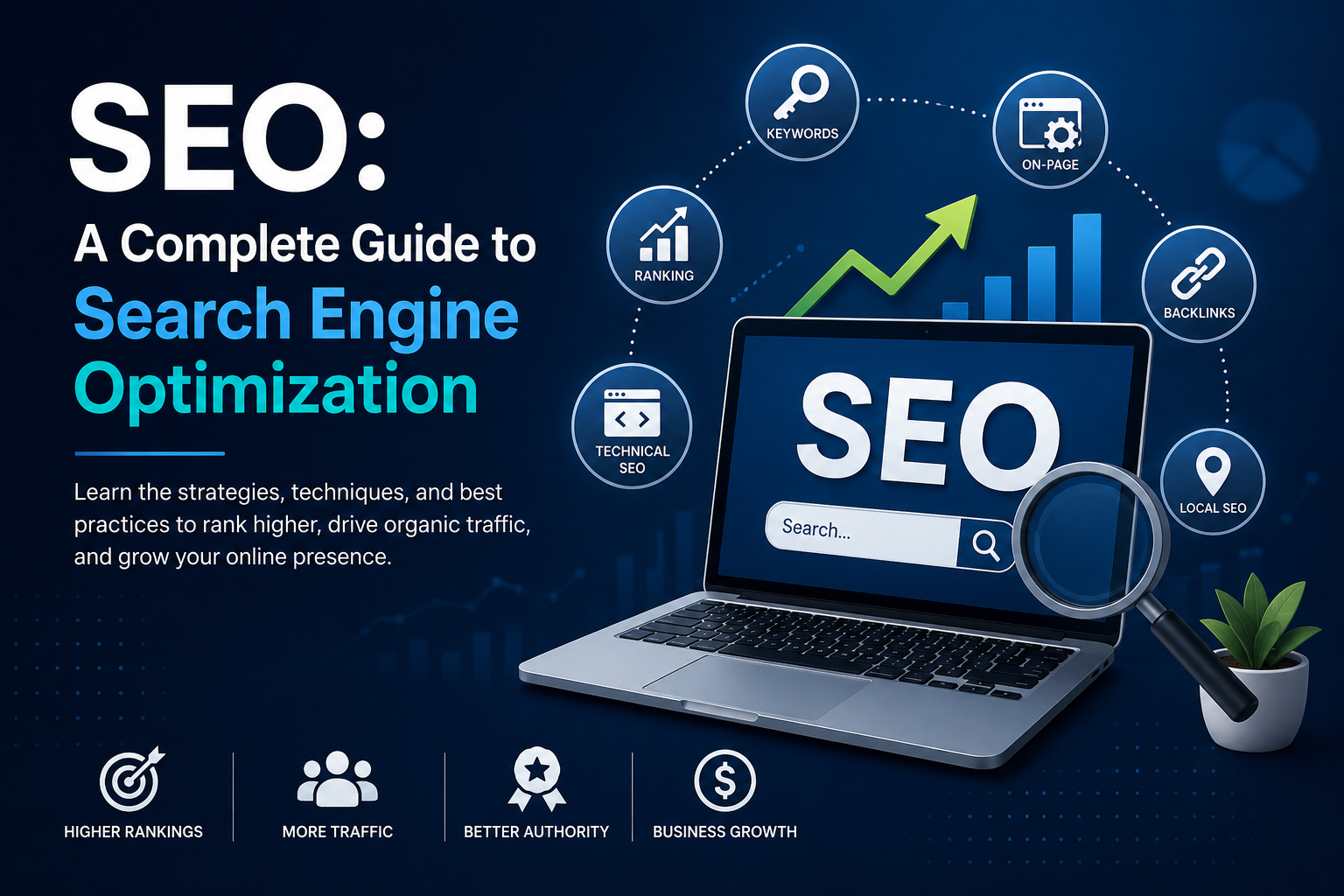
SEO: A Complete Guide to Search Engine Optimization
SEO Guide is a complete guide to Search Engine Optimization. It helps beginners understand how search engines work and how to improve website visibility, rankings, and organic traffic.
Why Is an SEO Guide Important?
This SEO Guide explains the basic techniques you need. Following an effective SEO Guide helps to improve your website's search performance step by step.
Types of SEO: On-Page, Off-Page, Technical & Local SEO
On-Page SEO
Optimizing website content, keywords, headings, meta tags, images, and internal links.
Off-Page SEO
Building backlinks, brand authority, and online reputation outside the website.
Technical SEO
Improving website speed, mobile-friendliness, crawling, indexing, and overall technical performance.
Local SEO
Optimizing a business to appear in local search results and reach customers in a specific location.
Keyword Research: How to Find the Right SEO Keywords
Understand Your Target Audience
Identify what your audience is searching for and what information they need.
Use Keyword Research Tools
As recommended in this SEO Guide, tools like Google Keyword Planner, Google Search Console, Ubersuggest, and Ahrefs can help find relevant keywords.
Check Search Volume
Choose keywords that have a good number of monthly searches.
Analyze Keyword Difficulty
Look for keywords that have a realistic level of competition.
Focus on Search Intent
Make sure the keyword matches what users actually want to find.
Use Long-Tail Keywords
Specific phrases often have lower competition and can attract more targeted visitors.
SEO Content Strategy: How to Create Content That Ranks
SEO content strategy is the process of planning, creating, and optimizing content to improve its visibility in search engine results. Good SEO content should provide useful information to readers while also helping search engines understand the topic of the page.
Understand Search Intent
Create content that matches what users are looking for.
Use Relevant Keywords
Include your target keywords naturally in the title, headings, and content.
Create High-Quality Content
Provide useful, original, and easy-to-understand information.
Optimize Headings and Structure
Use clear H1, H2, and H3 headings to organize your content.
Add Internal Links
Link related pages on your website to help users and search engines discover more content.
Optimize Images
Use relevant images with descriptive file names and alt text.
Keep Content Updated
Regularly update old content with fresh and accurate information.
E-E-A-T and SEO: How Trust and Expertise Affect Search
E-E-A-T stands for Experience, Expertise, Authoritativeness, and Trustworthiness. These concepts help explain the qualities Google looks for when evaluating the quality and usefulness of content. Creating helpful, accurate, and trustworthy content can improve user confidence and support a strong SEO strategy.
The Four Elements of E-E-A-T
Experience
Show real-world experience with the topic through practical knowledge, examples, or first-hand information.
Expertise
Provide accurate and useful information based on knowledge and skills in the subject.
Authoritativeness
Build credibility through a strong reputation, quality references, and recognition in your field.
Trustworthiness
Make your website and content reliable, transparent, accurate, and secure.
Google Analytics for SEO: Measuring Organic Search Performance
Google Analytics helps you understand how visitors find and interact with your website. For SEO, it can be used to measure organic search performance, analyze website traffic, and understand which pages and content are attracting visitors.
Organic Traffic
Track how many visitors come to your website through organic search.
Landing Pages
Identify which pages receive the most organic visitors.User Engagement – Analyze how users interact with your website after arriving from search.
Conversions
Measure whether organic visitors complete important actions such as form submissions, purchases, or sign-ups.
New vs Returning Users
Understand whether SEO is attracting new visitors and bringing users back.
Traffic Trends
Compare traffic over time to identify growth or changes in organic performance.
Google Search Console: Complete Guide for SEO
Google Search Console is a free tool from Google that helps website owners monitor, maintain, and troubleshoot their website’s presence in Google Search. It provides useful data about search performance, indexing, keywords, and technical SEO issues.
Performance Report
Check clicks, impressions, CTR, and average search position.
Search Queries
Find the keywords users search for to discover your website.
Indexing
Check which pages are indexed by Google and identify indexing problems.
URL Inspection
Check the status of individual URLs and request indexing when needed.
Sitemaps
Submit your XML sitemap to help Google discover your website pages.
Page Experience
Monitor important user-experience signals such as Core Web Vitals and mobile usability.
Links Report
Analyze internal links and external links pointing to your website.